M Lens
A free VS Code extension that takes Power Query out of Power BI Desktop, with a linter, data preview and safe write-back to the project.
- Context
- Published on the VS Code Marketplace
- Started
- Type
- Developer tool
By the numbers
- installs on the VS Code Marketplace
- 141
- linter rules for Power Query M
- 8
- strings translated between English and Portuguese
- 200
- lines of TypeScript
- 4.6 k
Counted in the code in Oct 2026.
Architecture
Why I built it
Every now and then I have to touch Power BI reports at work, and editing Power Query in Power BI Desktop is painful: a small window, no real search, no git, no way to review what changed. The .pbip format stores the model as text, so the missing piece was a tool to edit that text comfortably and put it back without breaking anything.
What it does
- Extracts every query from the .tmdl files into a .pq file and writes back only what changed, finding each block by name and keeping metadata and line endings.
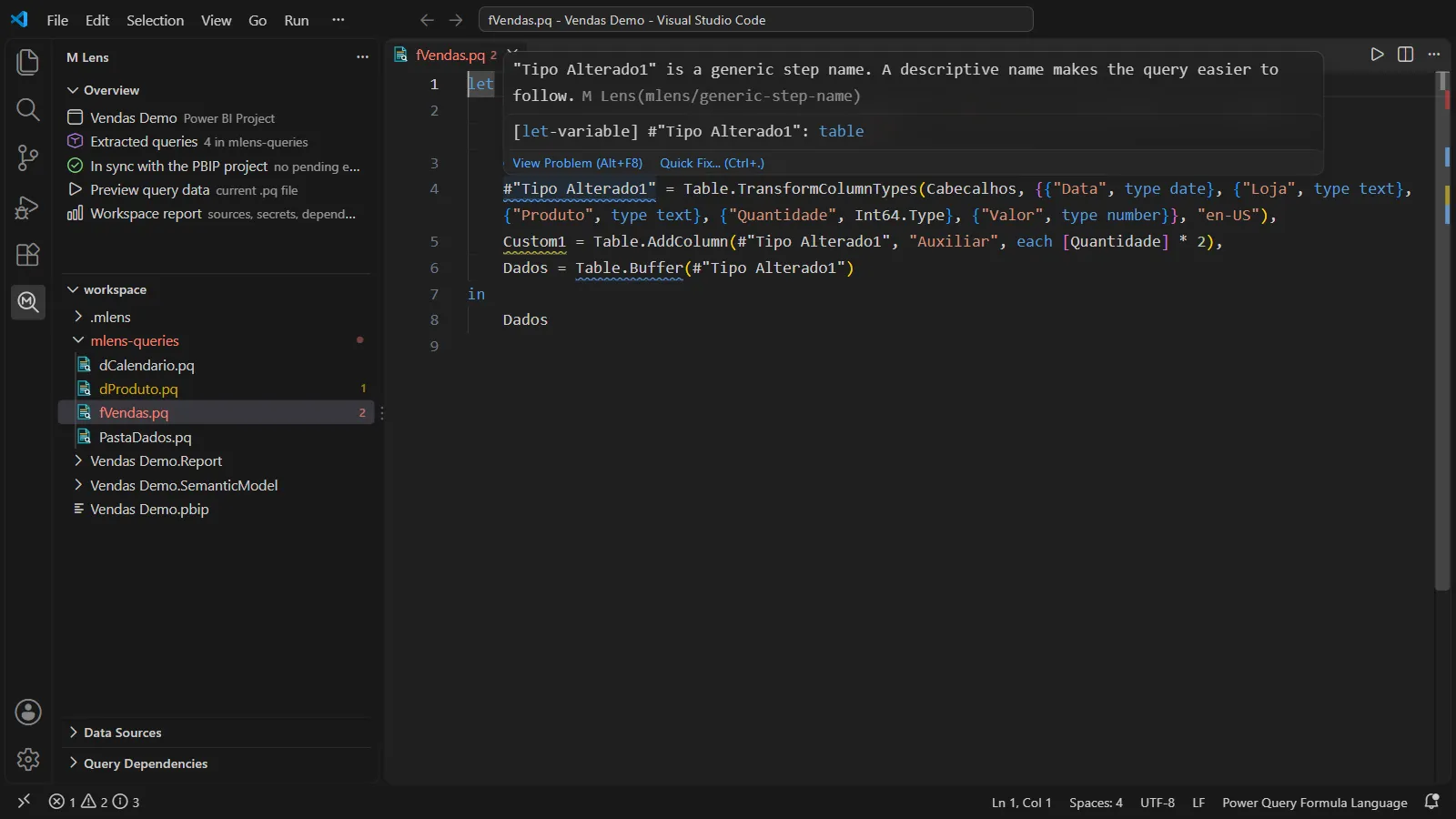
- A linter built on the AST from the official Microsoft parser, with quick fixes: unused steps, generic names (English and Portuguese), Table.Buffer, hardcoded paths and possible secrets.
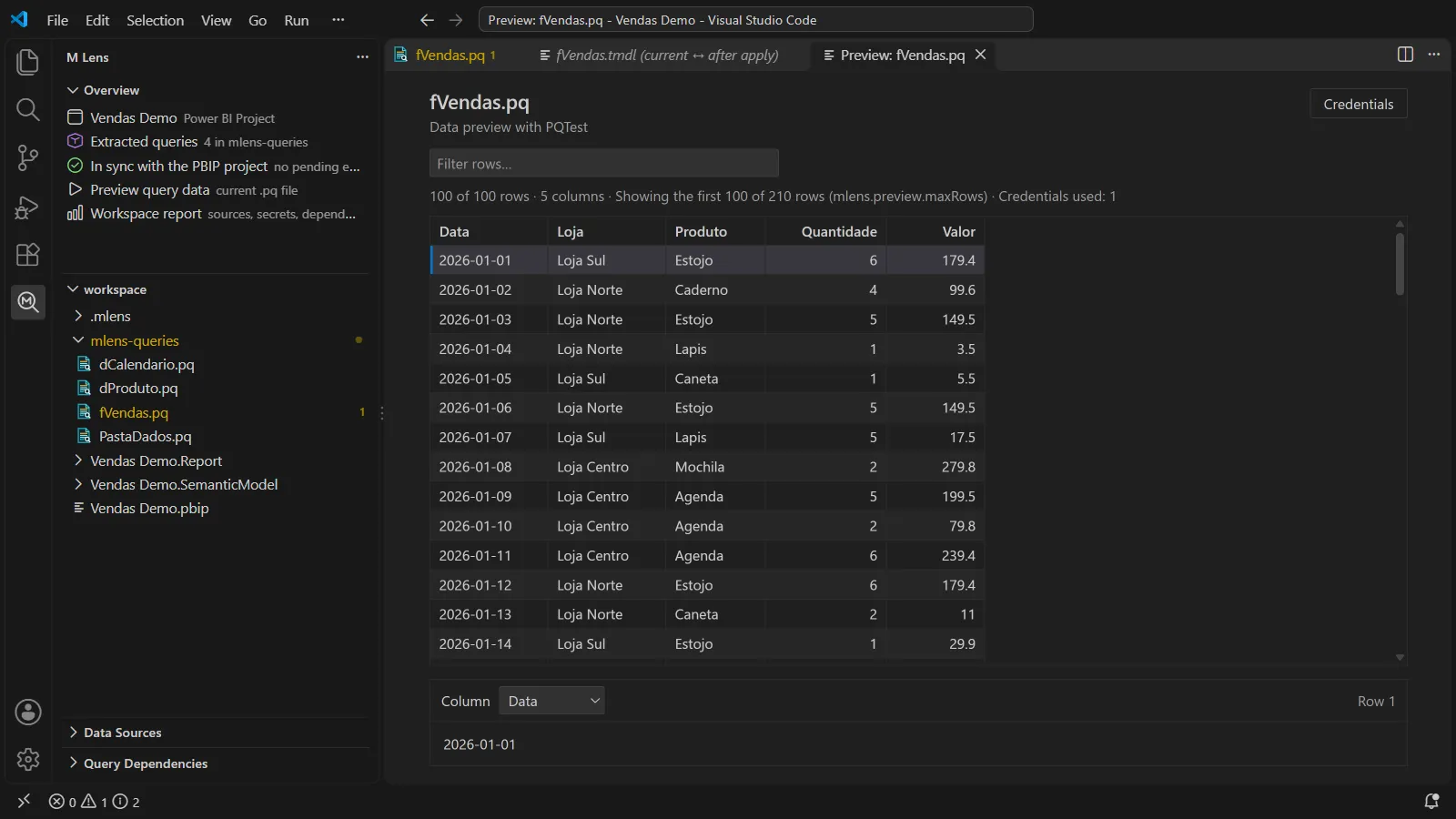
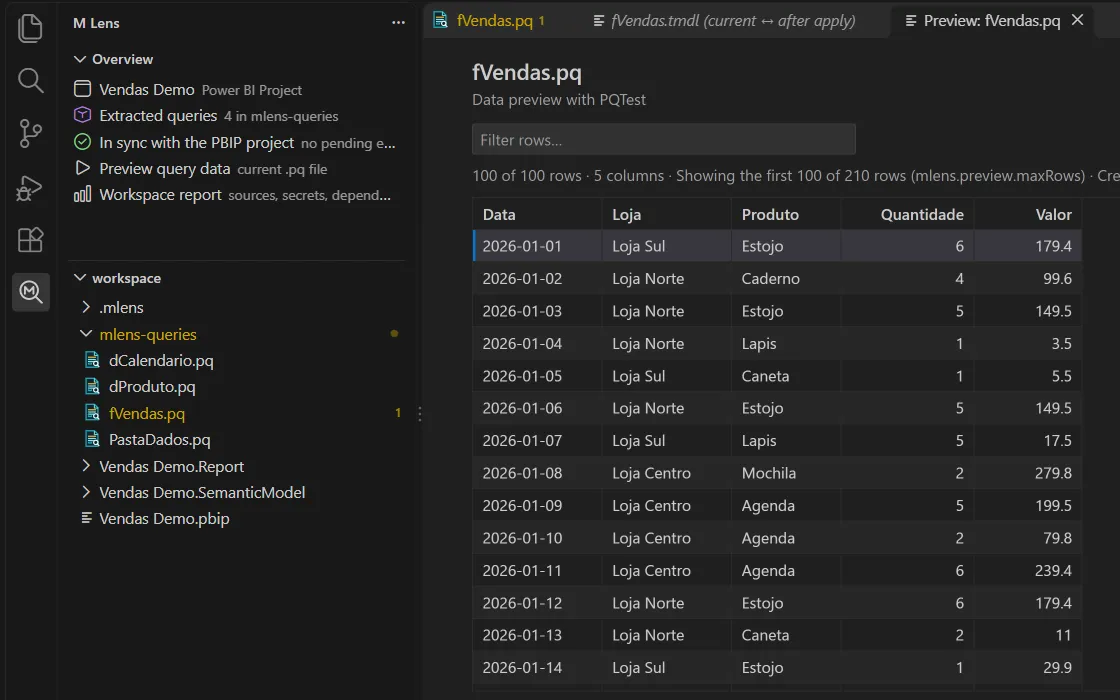
- Data preview through the Power Query SDK's PQTest, with credentials kept in the VS Code secret storage and tied to their own server.
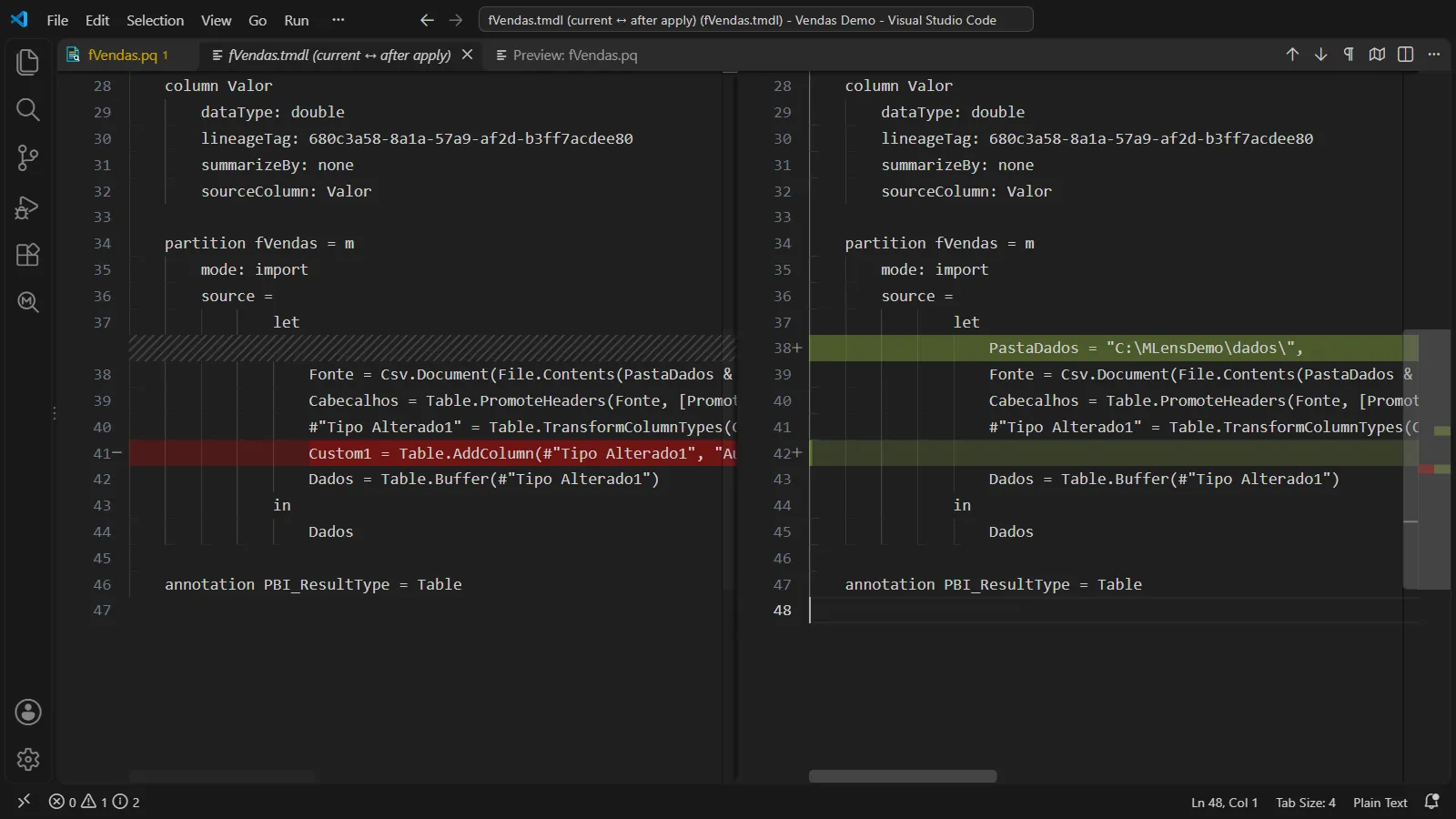
- A side-by-side diff before applying and an automatic backup of every changed file.
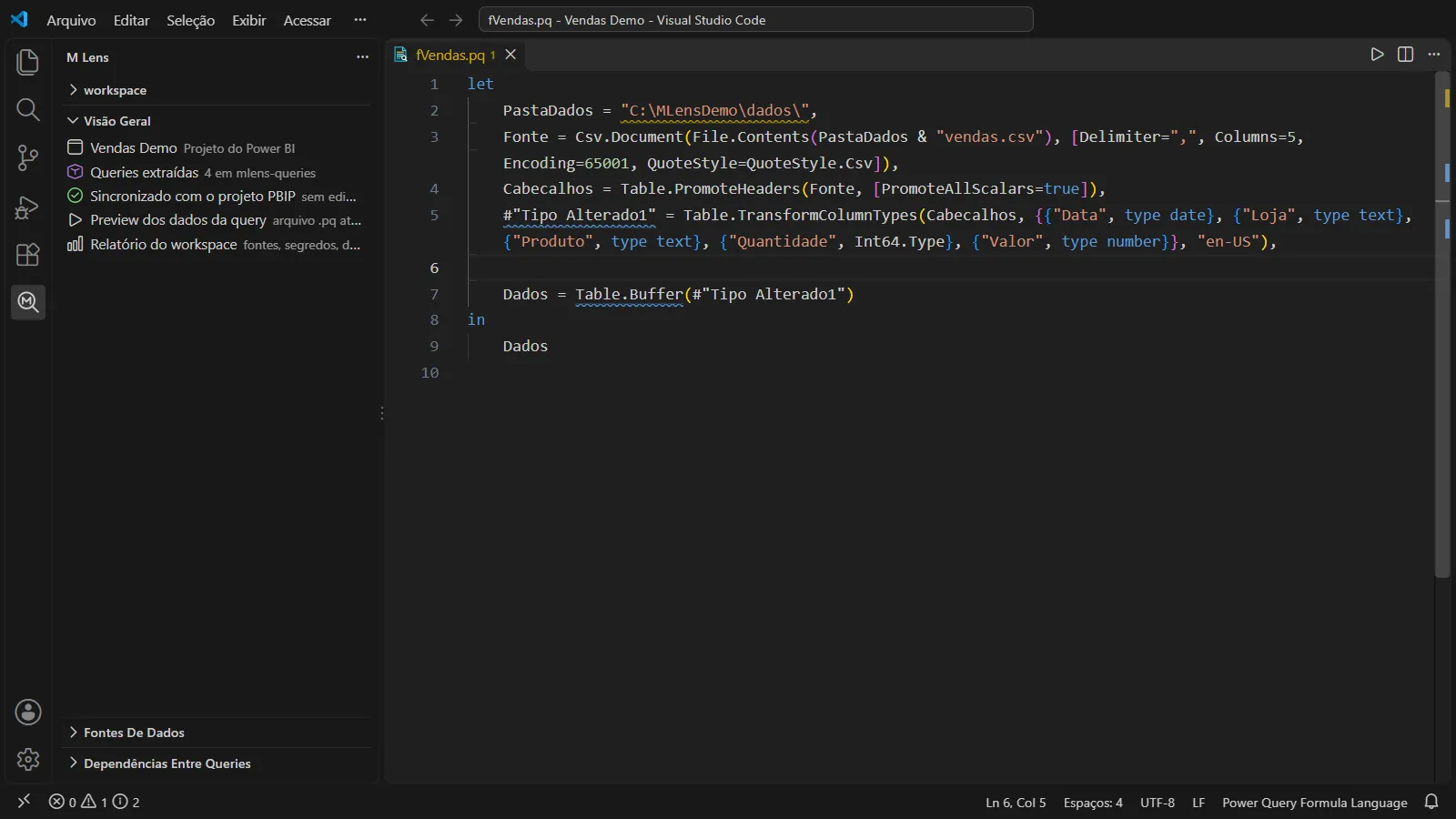
- A native sidebar and panels that follow the color theme, in English and Portuguese.
What I learned
The first published version had a serious bug: with the layout Power BI Desktop actually writes, it read shared queries as empty, and applying without editing anything damaged the model metadata. The tests passed because they used an example I had written myself. I fixed it by testing against real files, and now every new case becomes a test before the fix.
The other lesson was about product: the extension worked, but it was hard to use. It changed the icon theme of whoever installed it, spoke only Portuguese and had 16 commands. Version 0.2 is more about getting things out of the way than about new features.